Toggleable Print "Safe Zone" Overlay
We've observed that many customers, particularly those who are unfamiliar with design, tend to place critical design elements right up to the very edge of their template. For print products, this practice conflicts with the technical necessities of the printing process, specifically the need for a bleed area and a "safe zone" to prevent text or important imagery from being cut off. This often leads to design errors, rejected files, and customer dissatisfaction.
If possible, a toggleable visual overlay within the design template that clearly defines a "Safe Zone” could be implemented.
Visual Indicator: The overlay would be a non-printing visual guide (e.g., a dashed or colored line) within the design canvas.
Clear Labeling: It should be prominently labeled as "Safe Zone - Will not Print."
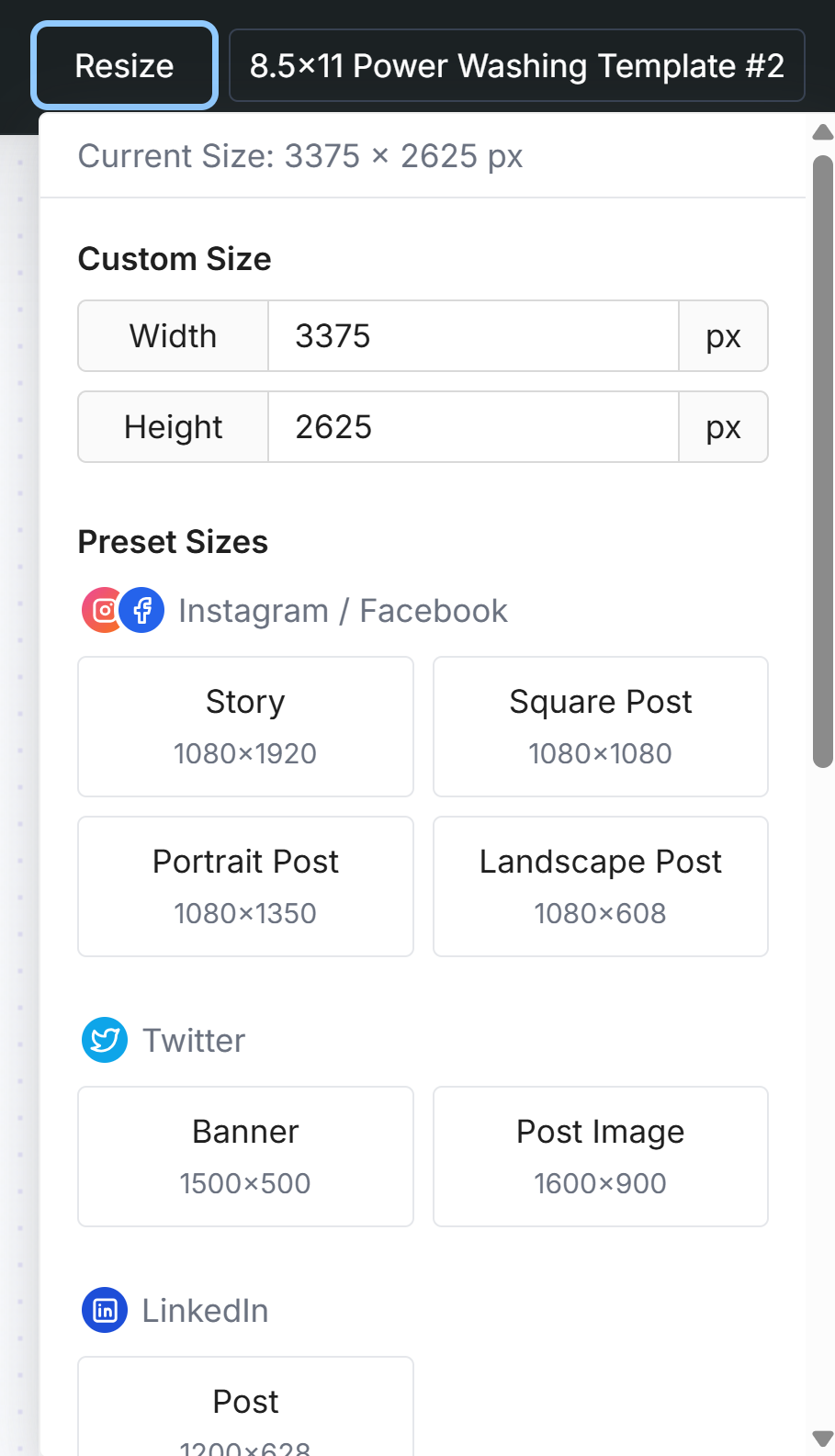
Location: This feature could be managed within the Resize Settings panel.
Toggle Functionality: Template makers would be able to easily turn the Safe Zone overlay ON and OFF as needed. This allows others working on designs that don't require specific safe zones or bleeds (like digital-only templates) to have a clean workspace.
Please authenticate to join the conversation.
Completed
Feature Request
11 months ago

Grace Hare
Subscribe to post
Get notified by email when there are changes.
Completed
Feature Request
11 months ago
Grace Hare
Subscribe to post
Get notified by email when there are changes.