It's been a couple of months since the last update and we've been shipping non stop.
This one is packed: a brand new Catalog integration that turns a product spreadsheet into a print ready PDF, BYOS, Template Merge, HTML imports (and exports), Two Factor Authentication, and a long list of API additions.
Let's dive in ⬇️
Catalog Integration
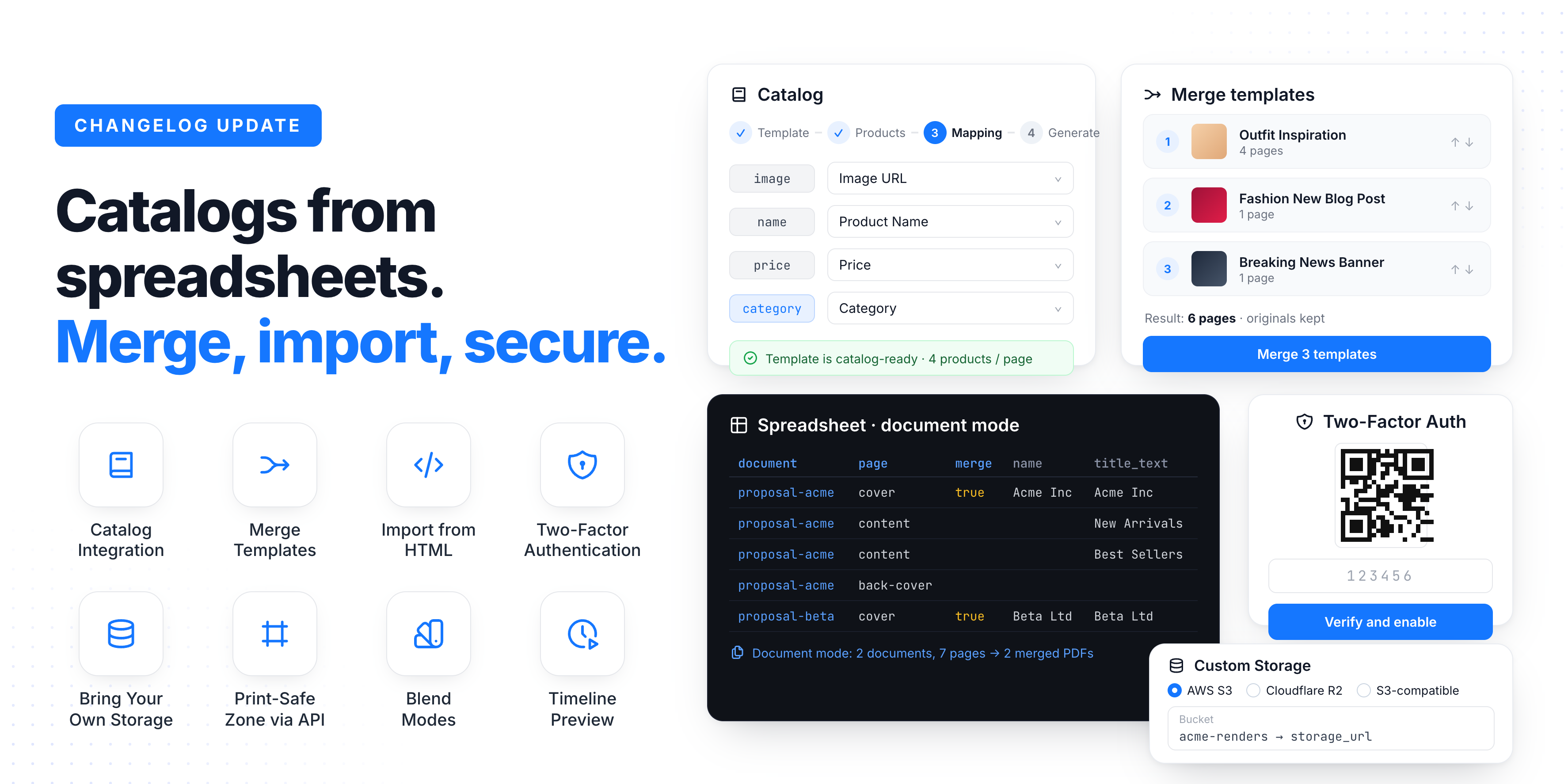
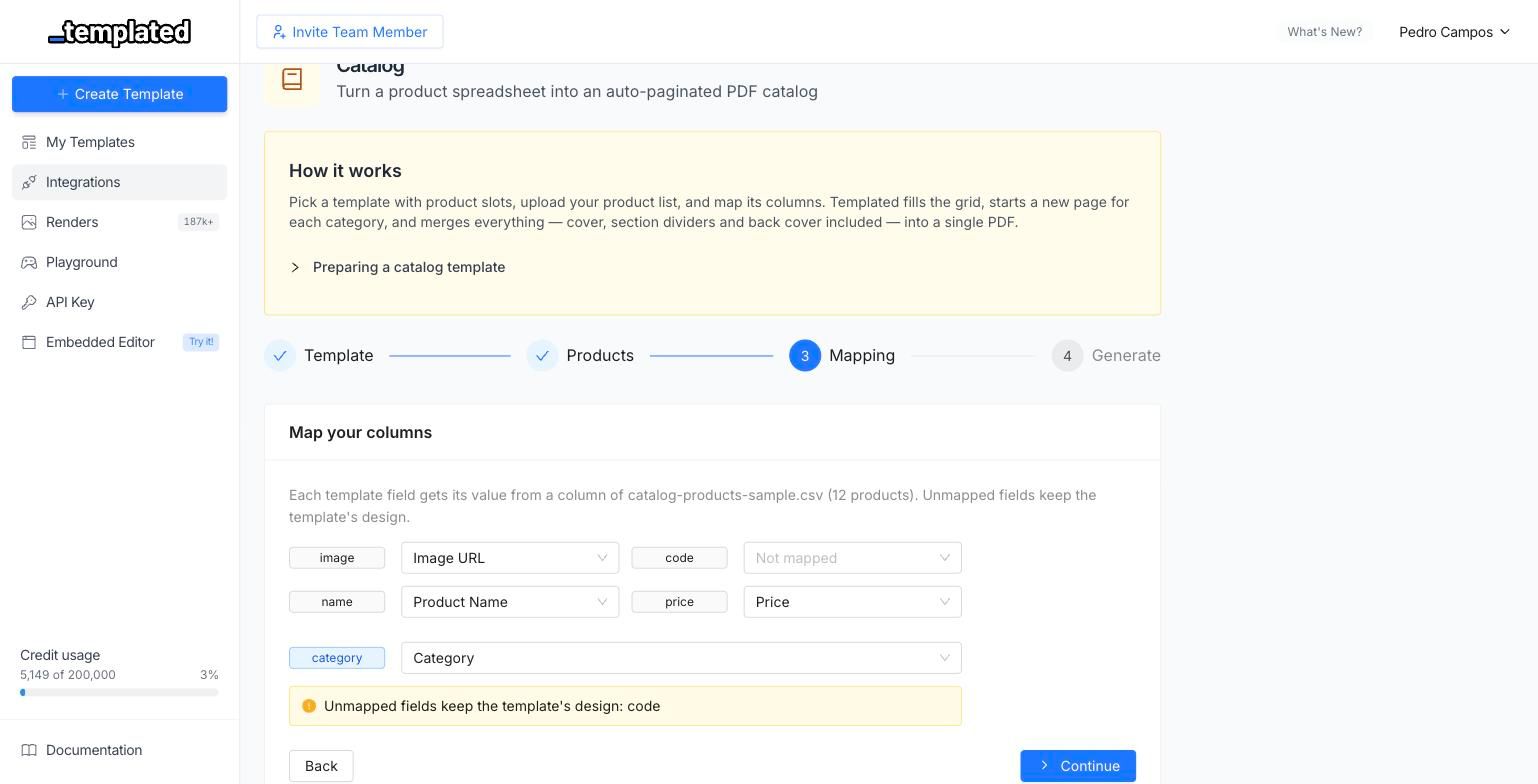
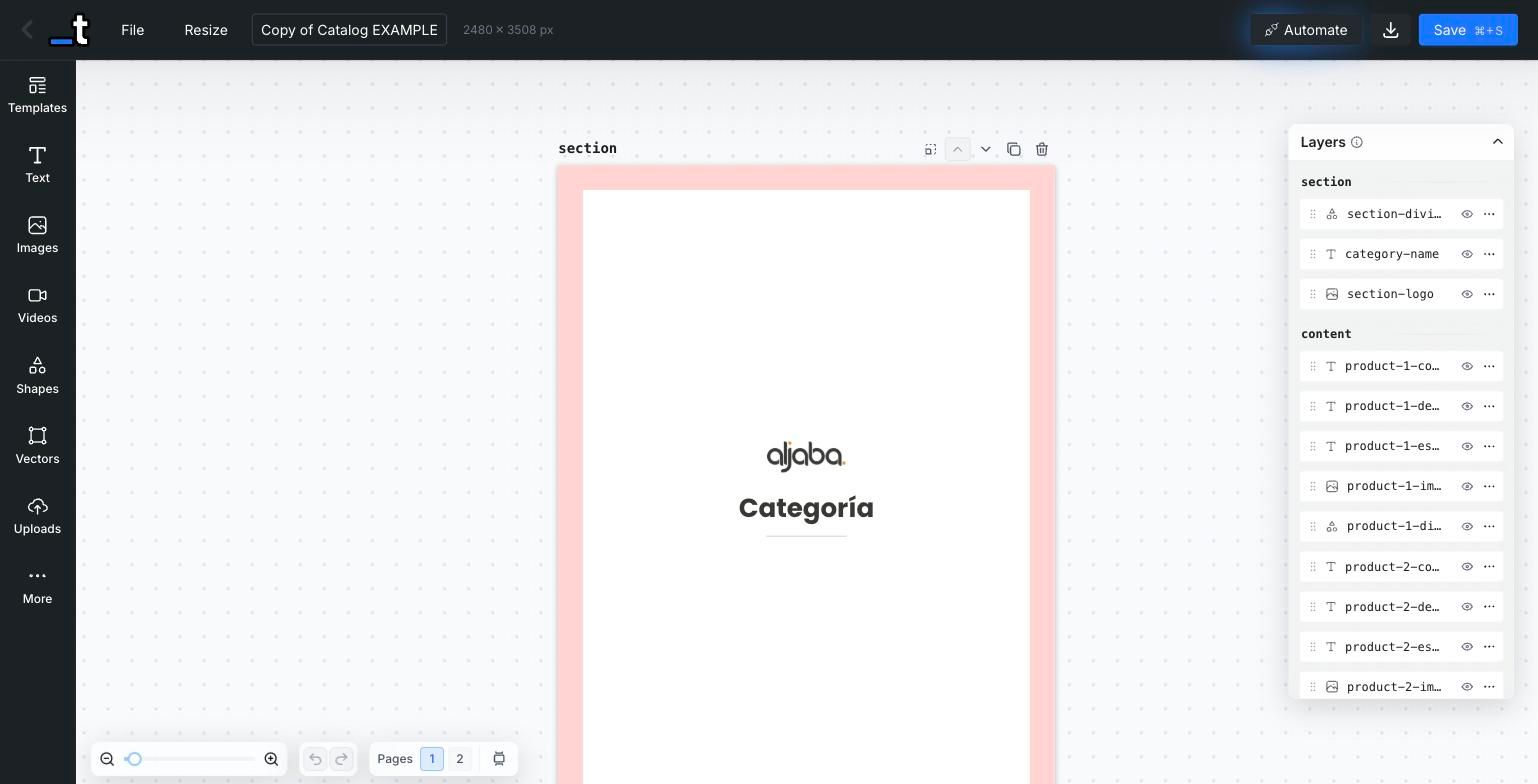
Turn a product spreadsheet into a print ready PDF catalog, without writing a single line of code. Pick a template with product slots, upload a CSV or Excel file, map its columns, and Templated does the rest.
The catalog compiler fills the product grid page by page, starts a new section every time the category changes, and merges cover, dividers and back cover into a single PDF. If your sheet has 12 products and your template fits 6 per page, you get the right number of pages automatically. No manual pagination.
Automatic pagination based on how many product slots your template has
Category sections with their own divider pages
Cover and back cover pages merged into the final PDF
Cover image can be bound to a column in your spreadsheet
Per category grid densities, so featured categories can use a different layout
Preview and edit the compiled catalog as a regular template before downloading
Find it under Integrations → Catalog.
Multi-Page Documents from Spreadsheets
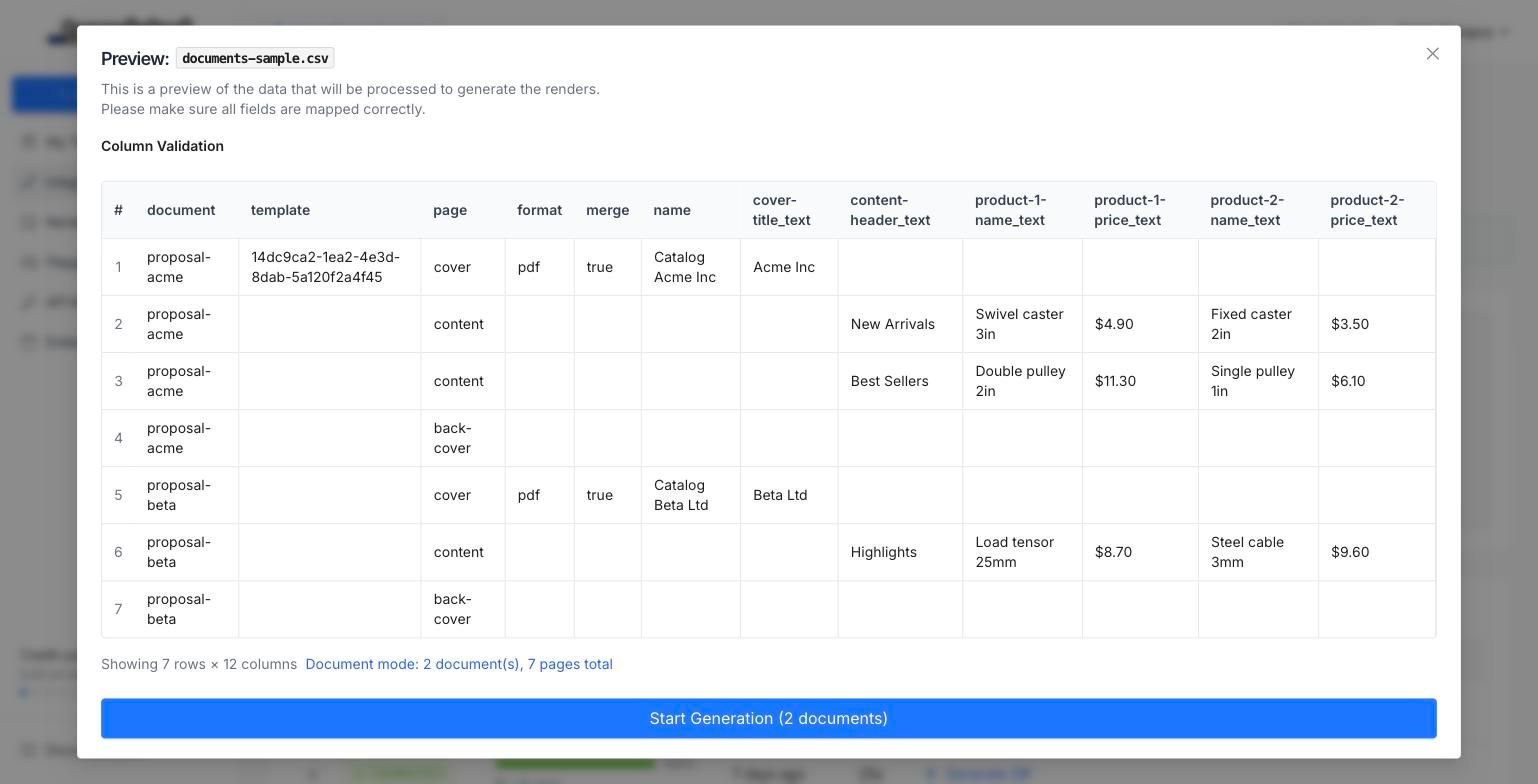
The Spreadsheet integration used to be strictly one row, one render. Now it can build multi page documents: add a page column to your sheet and each row becomes a page instead of a separate file.
Group rows into documents with a document column, and set merge to bundle each document into a single PDF. Perfect for proposals, reports, contracts and any deliverable where one customer needs several pages.
document groups rows into separate documents
page picks which template page each row renders
merge outputs one merged PDF per document
Legacy single render sheets keep working exactly as before
This also fixes a long standing issue where multi page templates would only render page 1 in bulk jobs.
Merge Templates
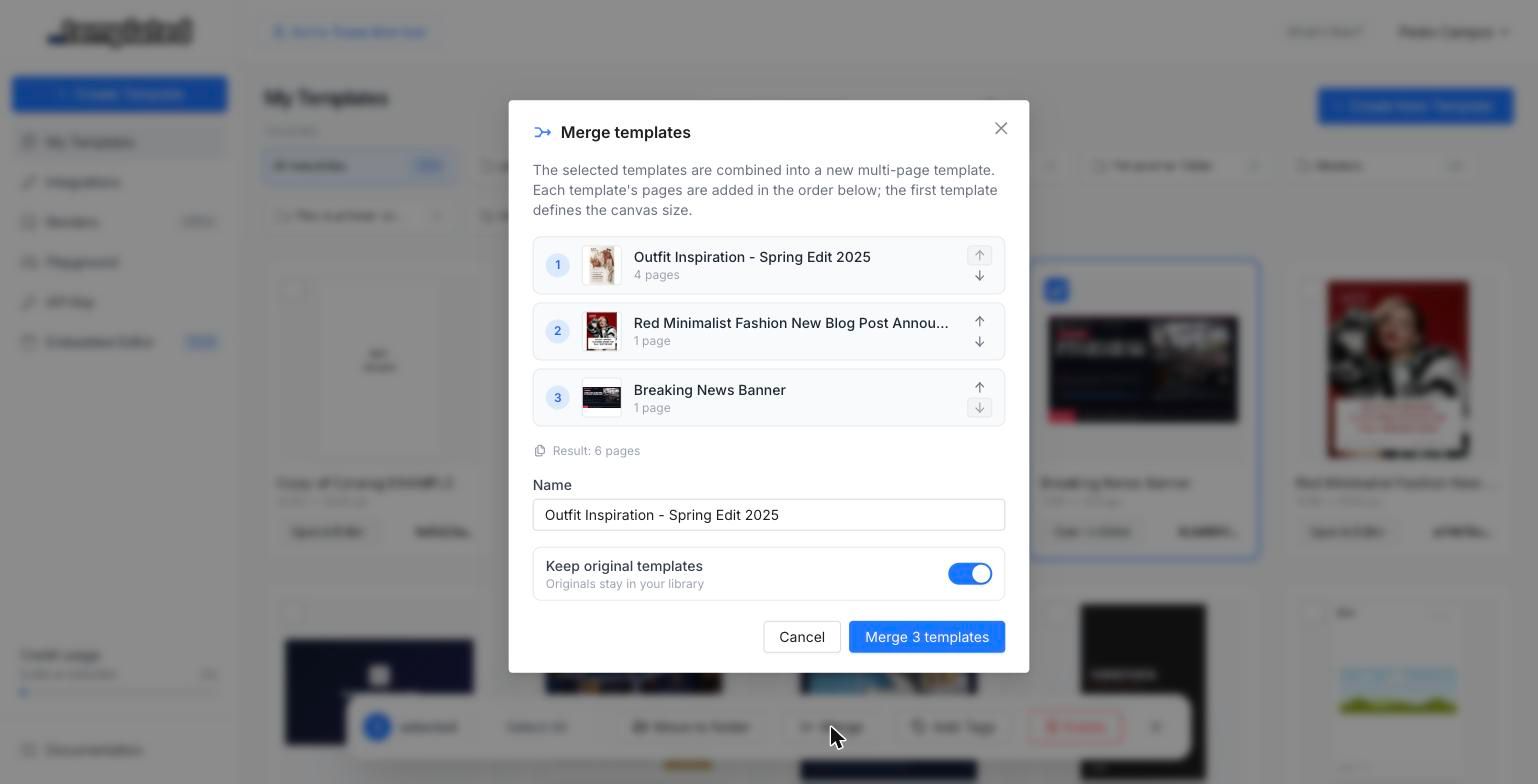
Select multiple templates in your dashboard and merge them into a single multi page template. Each source template's pages are appended in order, with page names and internal ids de-conflicted automatically, so nothing breaks when two templates share layer names.
It is non destructive by default: your original templates stay untouched unless you tick the "delete originals" option. Great for assembling a full campaign, a multi page document, or a client deliverable out of pieces you already designed.
Import HTML as a Template
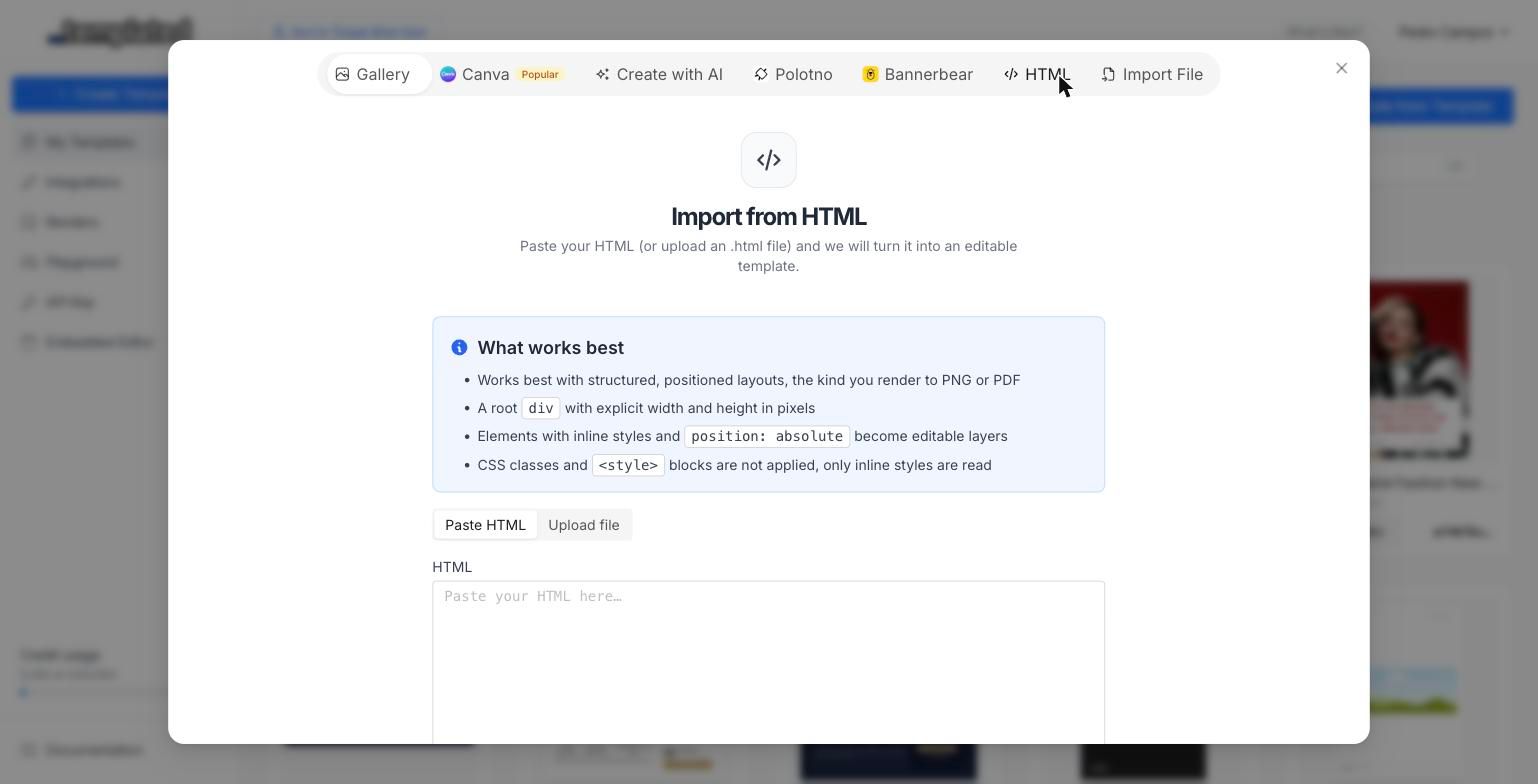
You can now paste raw HTML (or upload an .html file) and get an editable Templated template out of it. The converter parses your markup and extracts text, images and shapes as real layers you can edit, rename and drive through the API.
Imports run asynchronously, so large documents keep processing while you carry on working. Files up to 5 MB are supported.
Two-Factor Authentication
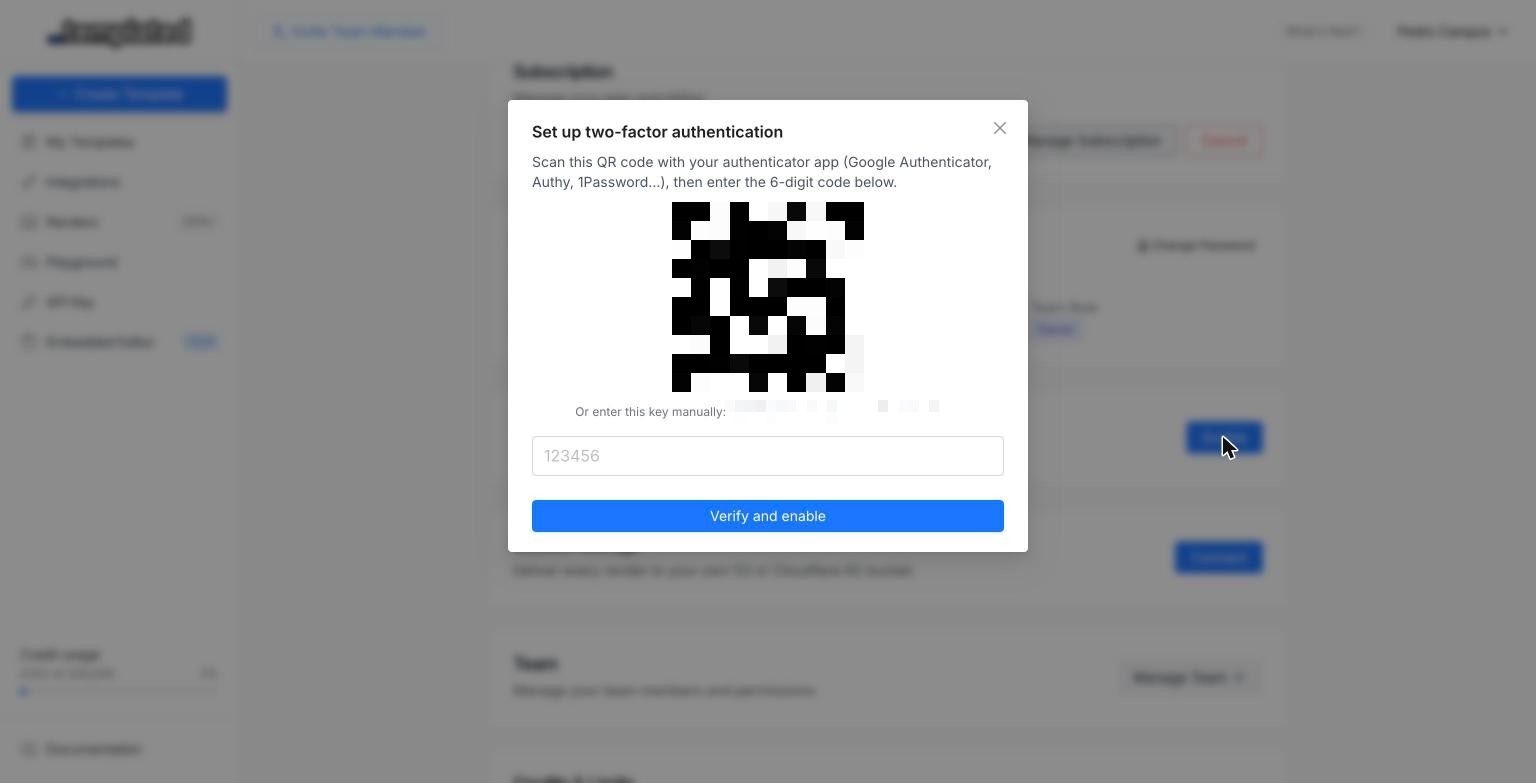
Protect your account with TOTP based two factor authentication. Enable it from Account Settings, scan the QR code with any authenticator app (Google Authenticator, 1Password, Authy), and you will be asked for a 6 digit code on every sign in.
Works with any standard authenticator app
Recovery codes generated at setup, in case you lose your device
Secrets encrypted at rest and rate limited code attempts
Bring Your Own Storage
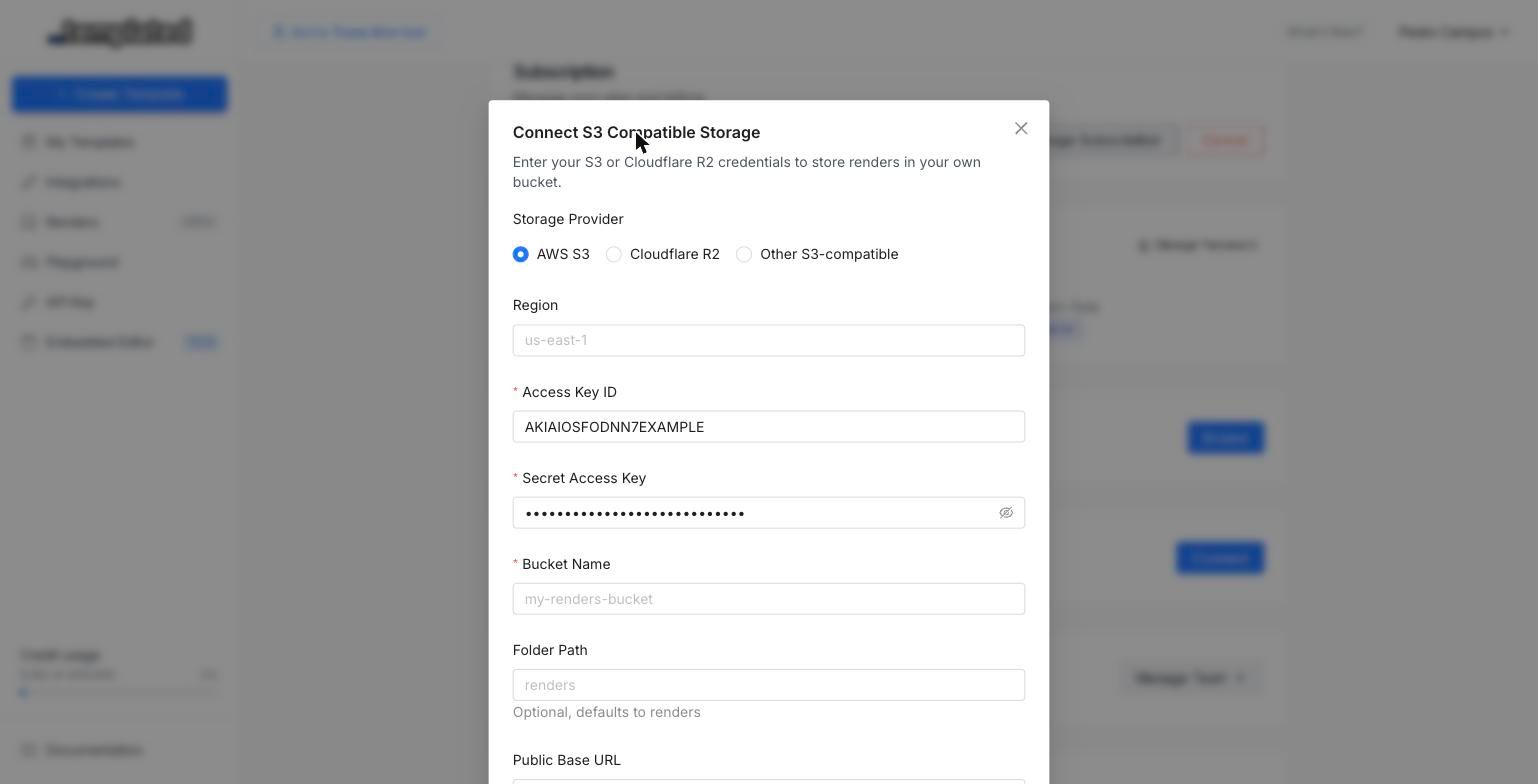
Scale and Enterprise teams can now deliver every render straight into their own S3 compatible bucket (AWS S3, Cloudflare R2 and compatible providers). Connect it from Account Settings → Storage, run the connection test, and every completed render lands in your bucket.
Two modes are available:
Copy keeps the render on Templated and writes a copy to your bucket
External only makes your bucket the single durable copy, and the render URL points there
API responses and webhooks now include a storage_url field alongside the usual url.
Print-Safe Zone via API
The safe zone overlay is no longer editor only. It is stored on the template and can be set through the API, so print templates created programmatically carry their own margin guide.
PATCH /v1/template/{id}{ "safeZoneWidth": 50}
Set it to 0 to remove the safe zone. The editor picks it up on load and persists any change you make from the canvas.
HTML Render Format (Enterprise)
Renders can now be returned as self contained HTML instead of an image. Pass "format": "html" to the render endpoint and you get back a fully resolved HTML document, with absolute asset and font URLs, ready to embed or post process.
POST /v1/render{ "template": "your-template-id", "format": "html", "layers": { "title": { "text": "Hello World" } }}
It skips the browser entirely, so it completes instantly. Available on Enterprise plans, API only.
Create a Template from a Render
Turn any completed render back into a template, with the render's payload baked in as the new default content:
POST /v1/template/from-render/{renderId}
Useful for "save this variation as a new template" flows, and for turning a generated result into a starting point your users can edit. Pages that were not part of the render payload come in hidden, so the new template matches what was actually rendered.
ZIP Bundling for Multi-Page Renders
Multi page and batch renders can now be delivered as a single ZIP archive instead of a list of URLs:
POST /v1/render{ "template": "your-template-id", "zip": true}
Use merge when you want one combined PDF, and zip when you want the individual files bundled. Async requests with zip deliver the archive through your webhook when it is ready.
Autofit Limits and Locked Layers via API
Autofit is now fully controllable from the API. Each text layer accepts min_font_size and max_font_size, so long values shrink within a range you decide instead of becoming unreadable.
{
  "layers": {
    "title": {
      "text": "A much longer headline than usual",
      "min_font_size": 18,
      "max_font_size": 64
    }
  }
}
Set either to 0 to remove the limit. Layer locked state is also returned and updatable, and the pages endpoint accepts includeLockedLayers when you need the full picture.
Animation Preview While Scrubbing
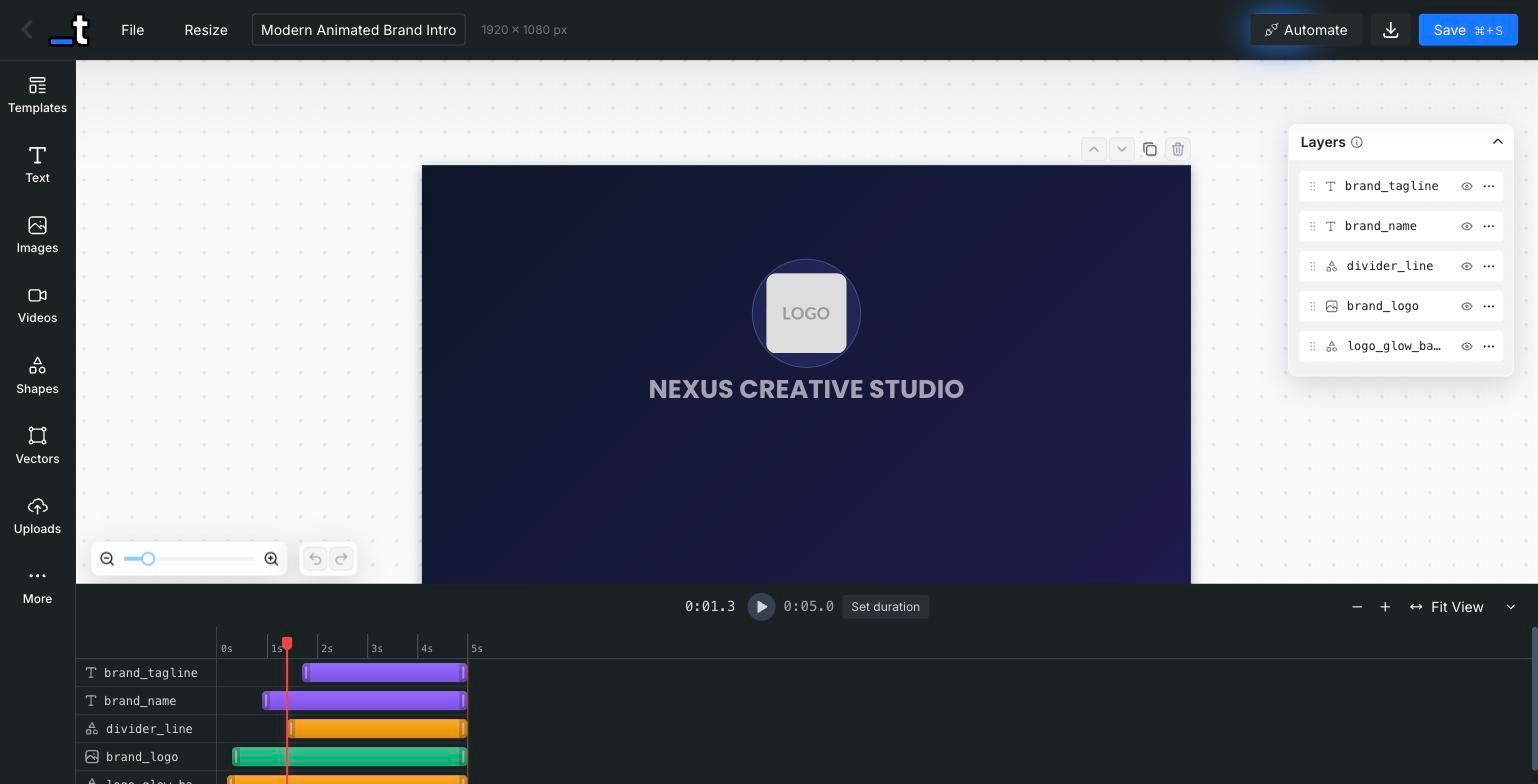
Dragging the timeline playhead now updates the canvas to show exactly what the frame looks like at that moment, including animation mid states. No more rendering a test video just to check where an element sits halfway through its entrance.
Blend Modes
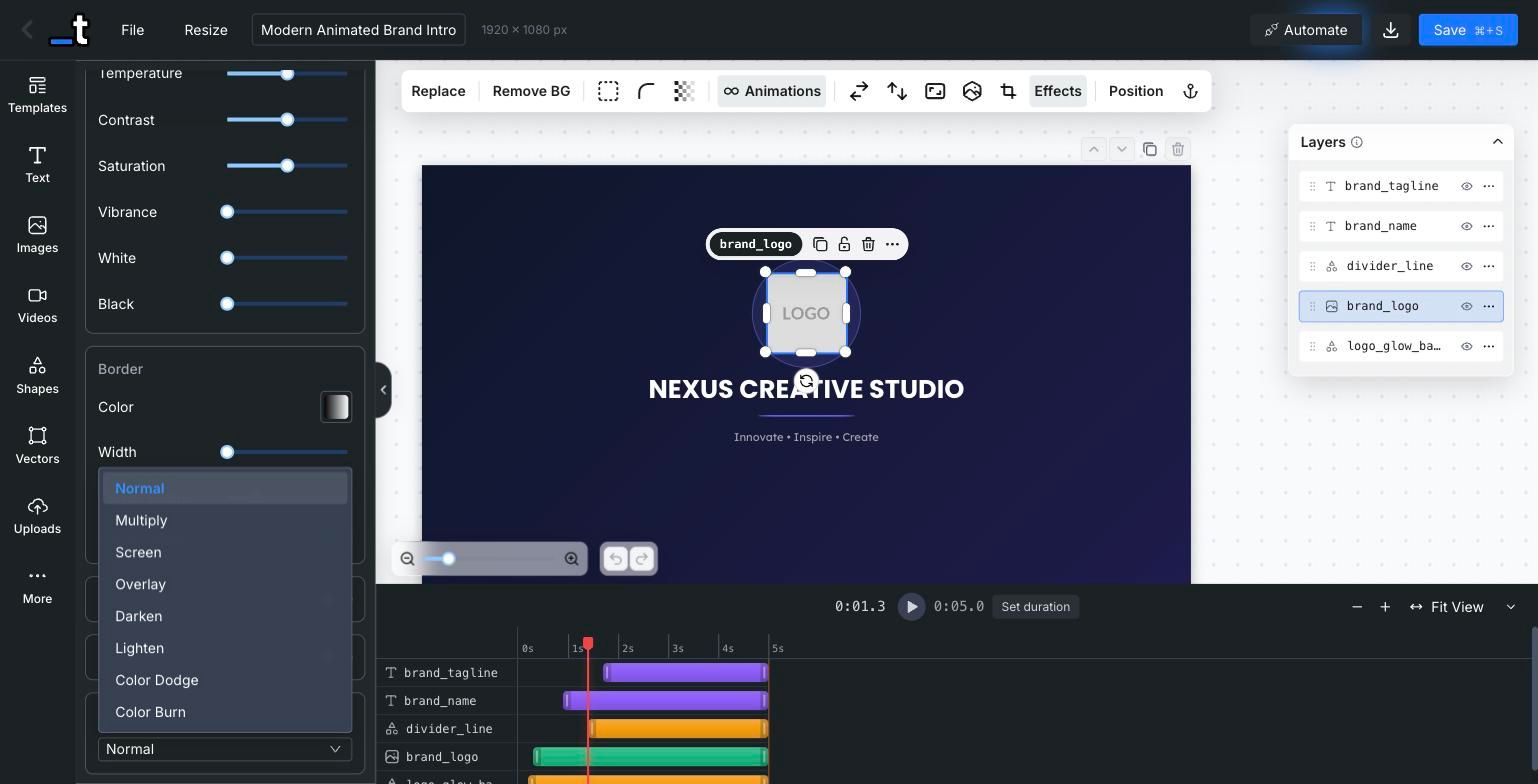
Image and video layers now support 16 CSS blend modes (Multiply, Screen, Overlay, Soft Light and friends) from the new Effects panel. Blend modes are preserved on duplication, survive template operations, and render identically through the API.
More Improvements
Faster Render Delivery
Renders are now served through a global CDN, so downloads and previews are noticeably faster, wherever your users are.
Zoom Buttons in the Crop Toolbar
Fine tuning a crop no longer depends on trackpad gestures: the crop toolbar now has explicit zoom in and zoom out buttons.
Linked Autofit for Anchor Groups
Anchored text layers can now share a single font size, so a group of related labels shrinks together instead of ending up with mismatched sizes.
Bigger Icon Library
The icon panel now runs on a new library, with a much larger searchable catalog than before.
Faster Bulk Jobs
Bulk render concurrency was increased and a race condition in the row counter was fixed, so large spreadsheets finish quicker and report accurate progress.
Embed Improvements
New hide-save-button URL parameter, a dedicated upload endpoint for embedded editors, better toolbar positioning when the sidebar is hidden, and a mobile friendly color picker that opens as a bottom sheet.
Smarter Paste
Components pasted into a page of a different size are now scaled to fit their destination instead of overflowing it.
Guided Onboarding
New accounts get a guided get-started flow that points them to the right path, whether they are integrating the API or embedding the editor.
Object Fit for Vector Layers
Vector layers now have the same fit controls as images: choose how an SVG fills its frame directly from the toolbar, without distorting the artwork.
Fixes
zip: true was being ignored for single page templates
Multi page templates only rendering page 1 in bulk spreadsheet jobs
Text layer formatting lost on API roundtrips and partial updates
Empty strings and zero values being dropped in embed postMessage layer updates
Non breaking spaces not preserved in rendered HTML
Tall templates producing truncated screenshots in the renderer
Large bulk jobs running out of memory while building the ZIP archive
Intermittent signups leaving users stuck on the form
Hidden layers not respected in some render paths
vertical_align in the render payload having no effect on text layers
That's it for this update!
A big one, with a lot of quality of life improvements and some powerful new features. As always, let us know what you'd like to see next on our feedback board.
Until the next one,
Pedro @ Templated